How to Display Bible Verses from a phone on a Smart TV or Projector
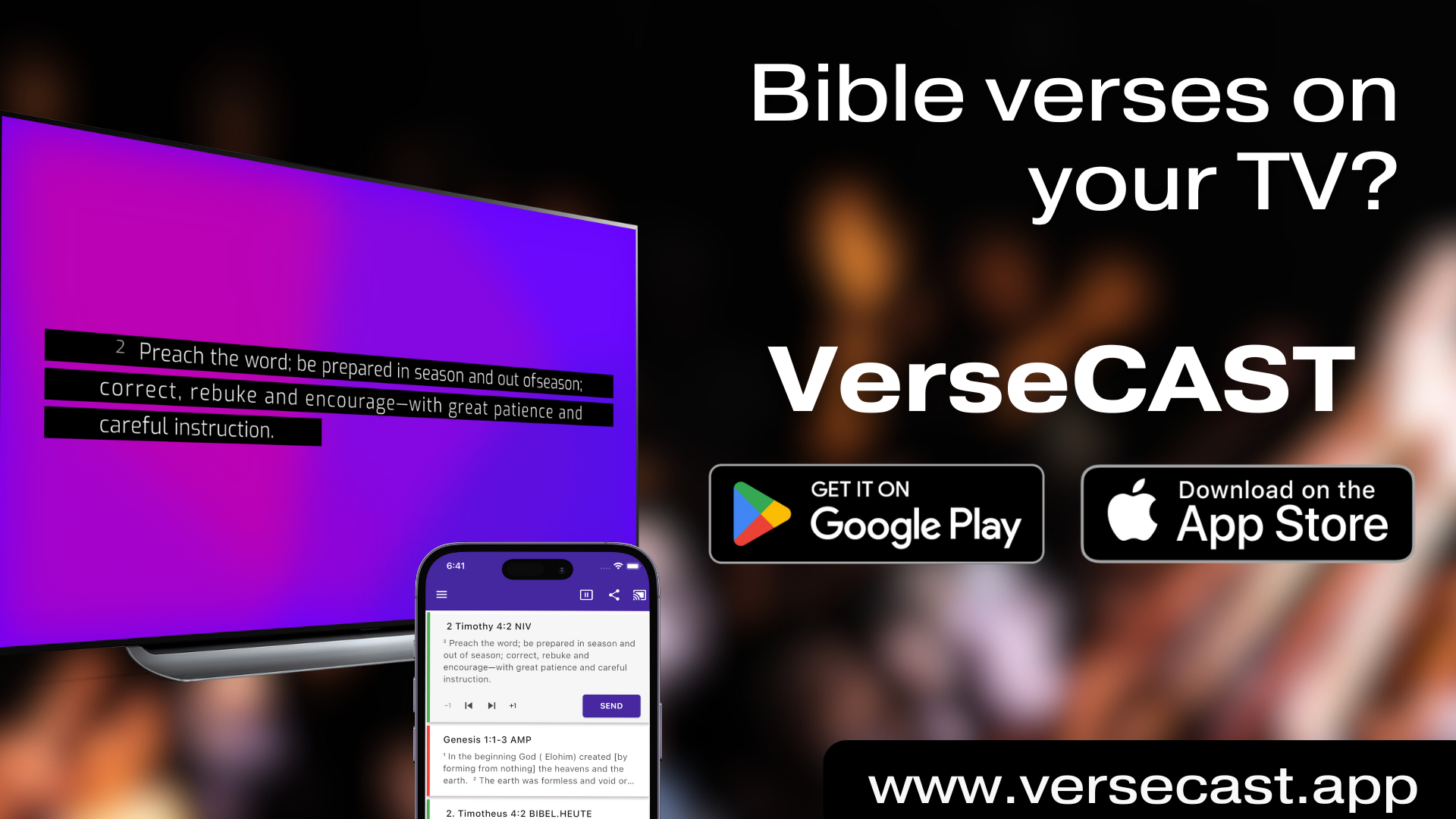
Step-by-Step Guide
VerseCAST is a simple Bible presentation software that runs entirely on a phone or tablet and connects wirelessly to any Smart TV or projector. It is the go to solution for a small church, Bible study group or ministry that needs a simple way to display Bible verses, lyrics, or sermon notes on a TV or projector.
There is no complex setup, no wires, and best of all no computer required - just your phone running VerseCAST using a regular WiFi connection.
What You Need
SmartTV or Projector
Best - Android TV or any standard TV with with an inexpensive Android TV dongle attached to a HDMI port
or any other Smart TV with a Web Browser
Android or iOS Phone or Tablet to run VerseCAST
WiFi with internet access
Steps to prepare
Connect both your SmartTV and Phone/Tablet to the same WiFi
Internet access is necessary but there does not have to be a huge bandwidth available
On your phone/tablet
Install VerseCAST
Install YouVersion Bible app
Present
Select Scripture and Tap (+) to Add a Bible verse
YouVersion app opens
Select Bible
Find the verse you want to add (e.g. Jan 3:14)
Tap on it to get it selected (underlined)
Tap Share and select VerseCAST
Bible verse is added to VerseCAST
Tap “Send” to display Bible slide
You can also present lyrics, announcements and countdown slides using one of many beautiful animated templates built into VerseCAST. Check out our full guide to Free Bible Presentation Software to learn how VerseCAST can dramatically improve your ministry.
